By ANUPRESS Team · Last reviewed August 2026 · 7 min read
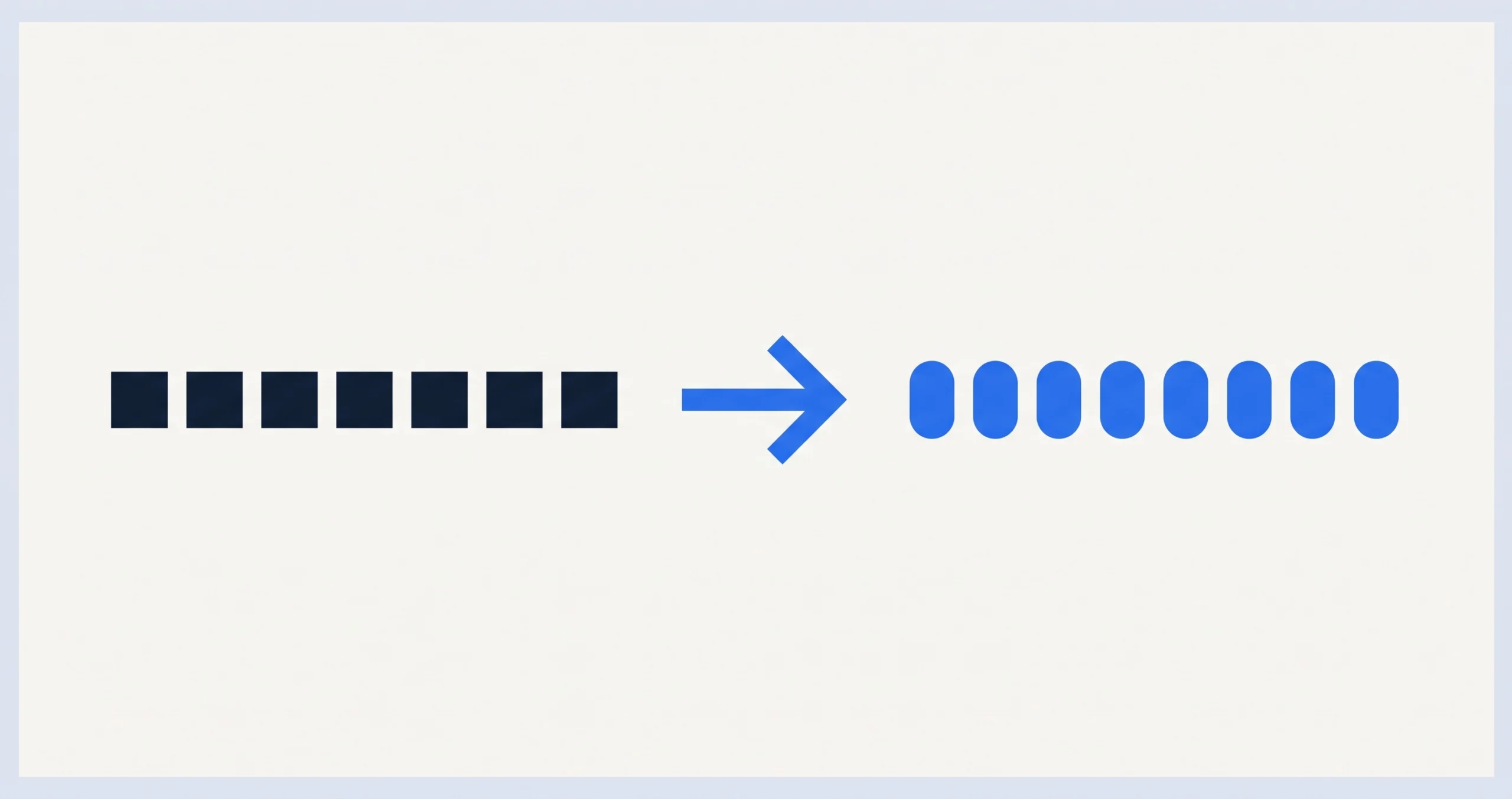
Base64 encoding turns raw binary data into plain text using only 64 safe characters, A-Z, a-z, 0-9, plus + and /, so it can survive being pasted into places that were only ever designed for text: JSON fields, email bodies, URLs, HTML. It is not encryption and provides zero security, anyone can decode it instantly. You need it whenever binary data has to travel through a text-only channel.
On this page
What it actually does
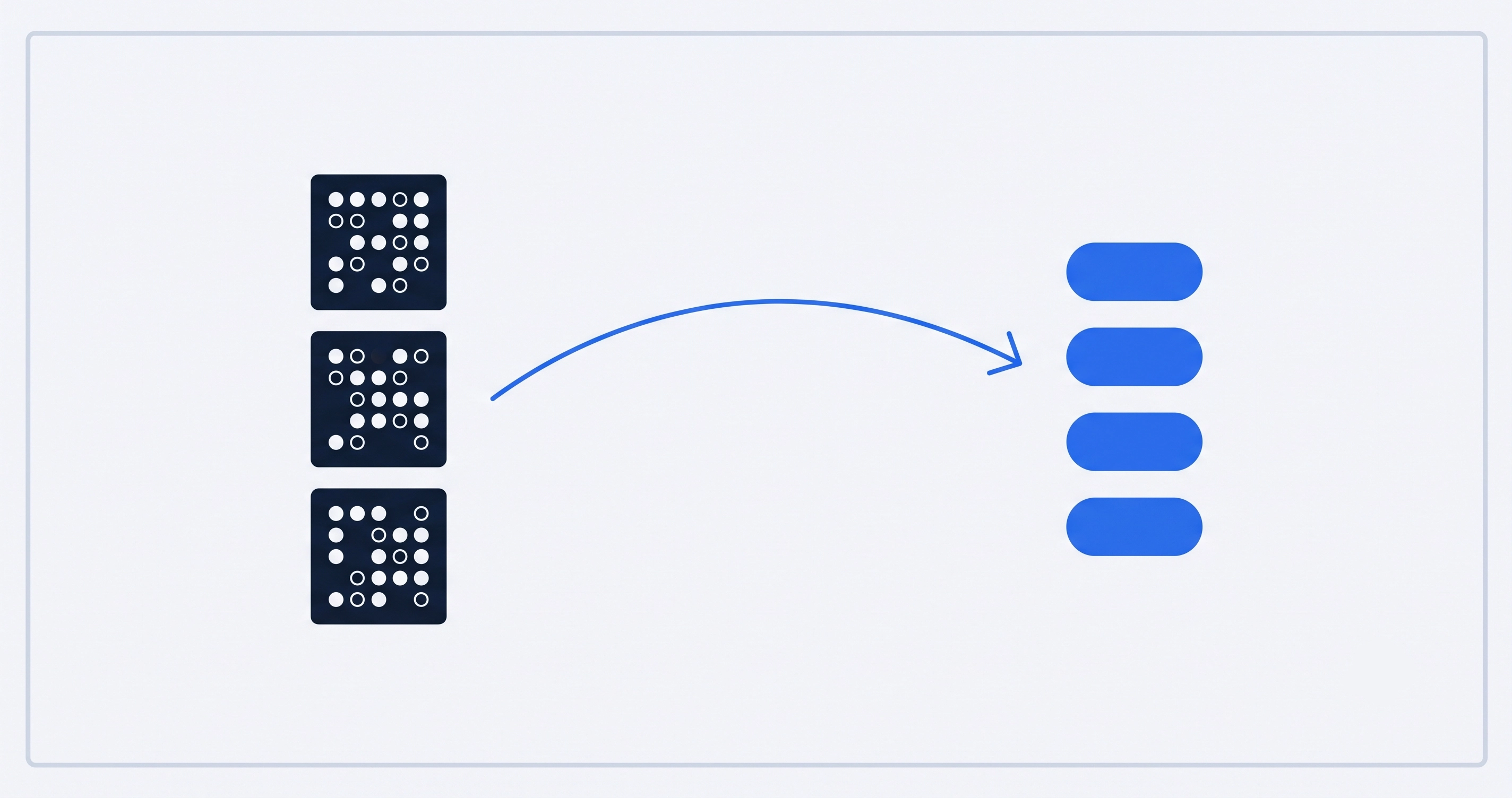
Computers store data as bytes, values from 0 to 255, and most of those 256 possible values have no printable character at all, or worse, happen to collide with characters that mean something special in text formats, like quotes in JSON or angle brackets in HTML. Base64 sidesteps the whole problem: it regroups the raw bits into chunks that map onto just 64 characters, every one of them safe to appear literally anywhere plain text is allowed.
The exact character set and rules are defined in RFC 4648, the official internet standard, so every correct Base64 implementation in any language produces identical output for the same input. A small number of variants exist for specific contexts, URL-safe Base64 swaps two characters so the output can sit inside a URL without extra escaping, but the standard version covers the overwhelming majority of real use.
Those = characters at the end are padding, added only when the input length doesn’t divide evenly into the 3-byte chunks Base64 processes at a time. “Man” needs no padding because 3 bytes fits perfectly; “Hi” at 2 bytes needs one = to complete the pattern.
When you actually need it
| Situation | Why Base64 |
|---|---|
| Embedding a small image directly in CSS or HTML | A data: URI needs the image as text to sit inline in the file |
| Sending a file inside a JSON API payload | JSON only supports text values, never raw binary |
| Email attachments | Email was designed for text; MIME encodes attachments in Base64 to travel safely |
| Basic Auth credentials in an HTTP header | HTTP headers are text; the username:password pair gets Base64-encoded, not encrypted, to fit |
| Storing a small binary blob in a text-only database column | Some fields or config formats simply don’t accept raw bytes |
Why it is not security
Base64 is an encoding, not a cipher, meaning there’s no key, no secret, nothing hidden in the process, it’s a fixed, publicly known, reversible mapping. Anyone who sees Base64 text can decode it back to the original in one line of code in any programming language, or by pasting it into a free online tool. Seeing a Basic Auth header encoded in Base64 might look obscured at a glance, but treating it as protected is a genuine, exploitable mistake, that header should always travel over HTTPS specifically because Base64 offers it no protection at all on its own.
The size cost
Base64 processes data in 3-byte chunks and outputs 4 characters per chunk, which is a fixed 33% size increase over the original, before any compression. A 300KB image becomes roughly 400KB once Base64-encoded. That’s the real tradeoff: universal text-safety in exchange for meaningfully larger payloads, which is exactly why Base64 is reached for when a specific channel requires it, not used as a default way to move data around.
Encode or decode instantly, Unicode handled correctly
Paste text or a file to encode, or paste a Base64 string to decode it back, with correct handling for emoji and non-Latin characters that many simple online converters get wrong.
Open the Base64 encoder/decoderFrequently asked questions
Is Base64 encryption?
No. It’s a reversible text encoding with no key or secret involved. Anyone can decode Base64 text instantly; it provides zero confidentiality and should never be relied on to protect sensitive data.
Why does Base64-encoded text sometimes end with = or ==?
Padding, added when the input length doesn’t divide evenly into Base64’s 3-byte processing chunks. One = means the last chunk had 2 bytes; == means it had 1.
Why does Base64 make files bigger?
It converts every 3 bytes of input into 4 characters of output, a fixed 33% overhead, because it’s trading storage efficiency for guaranteed text-safety across systems that can’t handle raw binary.
What’s the difference between Base64 and URL encoding?
Base64 repackages arbitrary binary data into 64 safe text characters. URL encoding (percent-encoding) instead escapes specific unsafe characters within a string, like spaces and ampersands, so it can safely appear inside a URL. They solve related but different problems and are sometimes used together.
Can I Base64-encode any file, or just text?
Any file at all: images, PDFs, executables, anything. Base64 doesn’t care what the original bytes represent, it treats all input as a raw sequence of bytes to re-encode.
Last reviewed August 2026. See how we review and our affiliate disclosure.