
By ANUPRESS Team · Last reviewed August 2026 · 6 min read
This Markdown cheat sheet covers the syntax you’ll actually reach for: headings, bold and italic, links, images, lists, blockquotes, code, tables and horizontal rules. Every example on this page was run through a real Markdown parser to confirm it renders exactly as shown, not typed from memory.
On this page
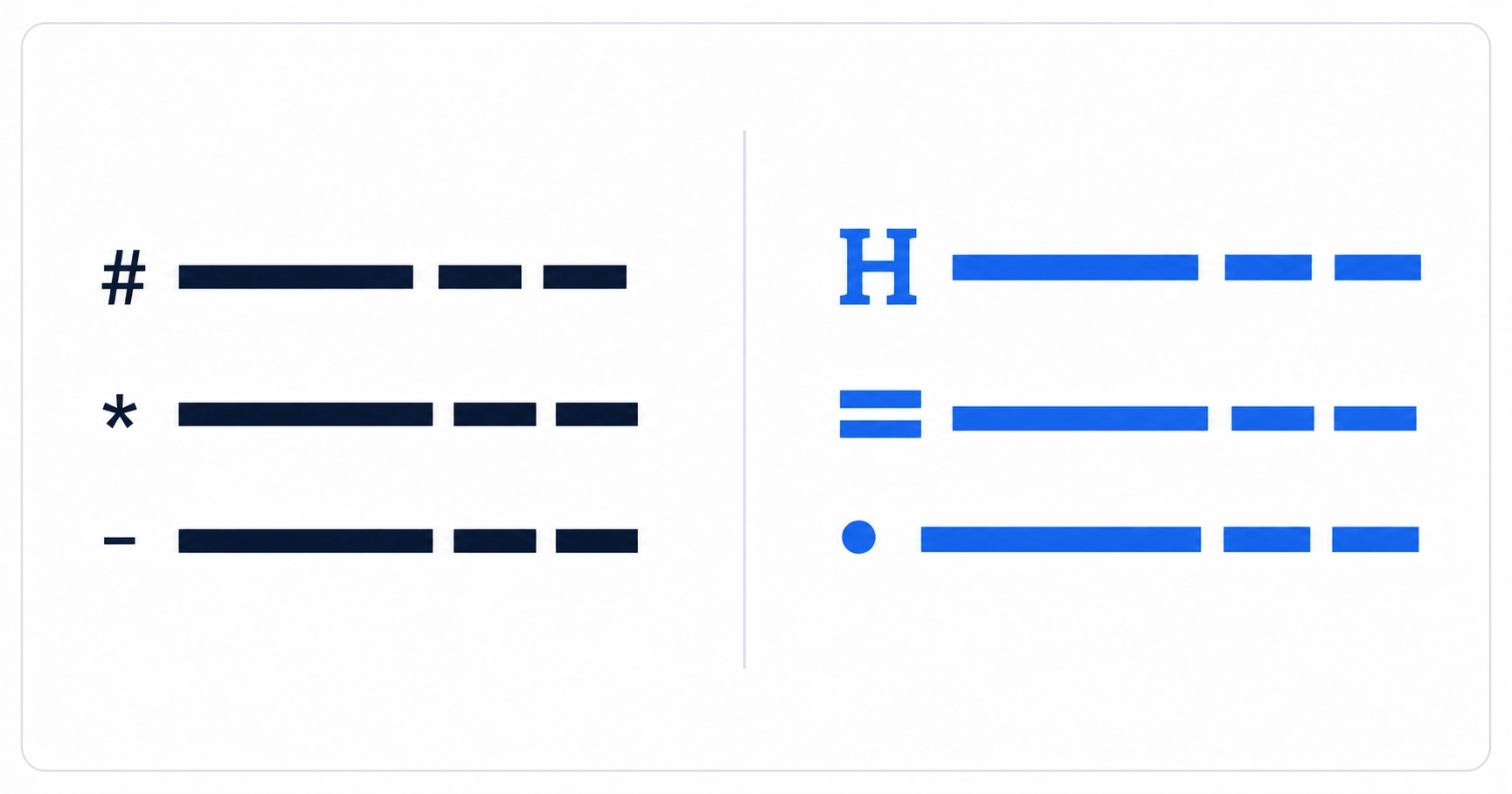
The cheat sheet
| Type this | Get this |
|---|---|
| # Heading 1 | Heading 1 |
| ## Heading 2 | Heading 2 |
| **bold text** | bold text |
| *italic text* | italic text |
| [link text](url) | link text |
|  | an embedded image |
| – item one – item two | • item one • item two |
| 1. first 2. second | 1. first 2. second |
| > a blockquote | a blockquote |
| `inline code` | inline code |
| — | a horizontal rule |
Convert either direction, instantly
Paste Markdown to get clean HTML, or paste HTML to get Markdown back. Headings, links, images, lists, blockquotes and code blocks, all handled.
Open the Markdown converterGitHub Flavored Markdown extras
Two syntax items show up constantly in READMEs and issue trackers but are not part of base Markdown at all, they’re GitHub Flavored Markdown (GFM) extensions. They work on GitHub, GitLab, and most modern editors and static site generators, but a strict base Markdown parser will print them as literal text with the symbols still showing, worth checking before you rely on them somewhere unfamiliar.
The official rules for what counts as valid Markdown at all live in the CommonMark specification, the closest thing the format has to a formal standard. GFM builds on top of CommonMark rather than replacing it, which is why the core syntax in the cheat sheet above works essentially everywhere, and only these platform-specific extras need the “does this renderer support it” caveat.
Tables, the one that trips people up
The second line, the dashes, is not decoration, it’s what tells the parser “this is a table” rather than a stray line of pipe characters. Miss it and most Markdown renderers print the pipes literally instead of building a table. The dashes need at least three per column at minimum in most implementations, and the cell widths in your source don’t have to line up visually for the table to render correctly, only the pipe positions matter.
Mistakes that actually break rendering
| Mistake | What happens |
|---|---|
| No space after # in a heading | Renders as plain text, not a heading, in most parsers |
| No blank line before a list | List can merge into the preceding paragraph instead of starting fresh |
| Missing the table separator dashes | Pipes print literally as text instead of building a table |
| Using * for both italic and list items nearby | Can confuse the parser about which one you meant; use – for lists to avoid the ambiguity entirely |
Frequently asked questions
Do I need a space after the # in a heading?
Yes, in standard Markdown. #Heading without a space after the hash typically renders as plain text, not a heading; # Heading with the space works correctly.
Can I use * and _ interchangeably for bold and italic?
Mostly yes for basic bold and italic, single asterisks or underscores give italic, doubled give bold. Mixing them in the same line, especially near list markers, is where inconsistent rendering shows up, so picking one style and staying consistent avoids the edge cases.
Why isn’t my table rendering?
Almost always a missing or malformed separator line, the row of dashes directly under the header row. It needs to be there with at least three dashes per column and the same number of columns as the header row above it.
Does Markdown support nested lists?
Yes, indent a sub-item by two or four spaces (implementations vary) under a parent list item to nest it. Consistent indentation matters more than the exact number of spaces, mixing tabs and spaces in the same list is the most common cause of nesting breaking.
What’s the difference between Markdown and HTML?
Markdown is a simpler, more readable shorthand that converts into HTML; it isn’t a replacement for HTML, just a faster way to write the common cases. Anything Markdown can’t express, you can usually drop raw HTML directly into a Markdown file and most processors will pass it through unchanged.
Last reviewed August 2026. See how we review and our affiliate disclosure.