
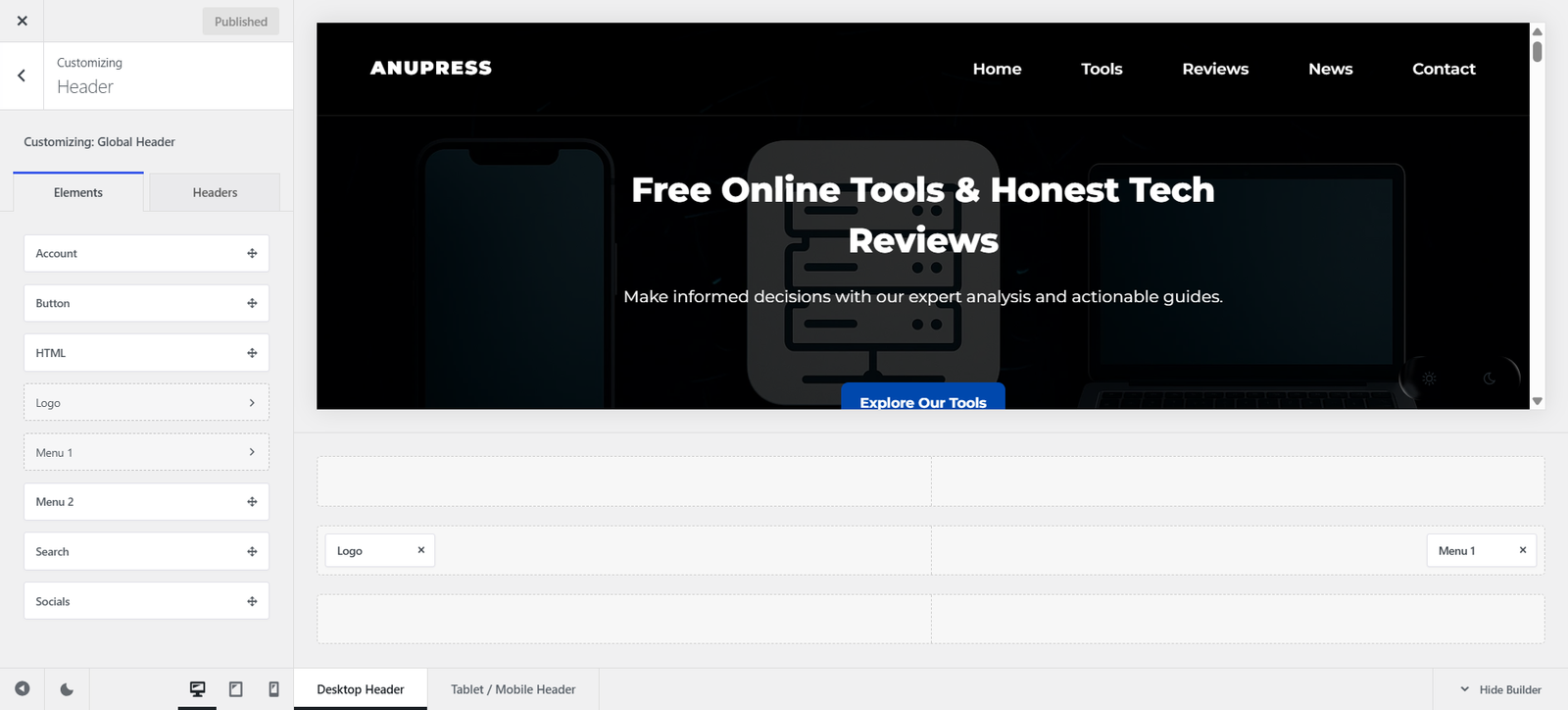
This isn’t a theme we installed for a day to write about. anupress.com runs on Blocksy right now, on the free version, and this review is what that experience is actually like.
Last updated: July 2026. Pricing and features checked directly on creativethemes.com in July 2026. Competitor pricing was cross-checked across multiple sources and can change, always confirm current prices before buying.
In this review
What Blocksy actually is
Blocksy is a free WordPress theme built by Creative Themes, paired with an optional companion plugin and a paid Pro extension. That structure matters more than it sounds: the free theme on its own is a genuinely complete, modern, block-editor-ready theme, not a stripped demo designed to make you feel boxed in until you pay. Pro adds a real layer on top, header and footer building, custom fonts, white labeling, extra WooCommerce features, rather than unlocking things that should have been there from the start.

It works with Gutenberg natively, and also with Elementor, Bricks, and Beaver Builder if that’s what you already build with, which matters if you’re migrating an existing site rather than starting fresh.
Pricing, honestly broken down
Three tiers, each available as an annual subscription or a one-time lifetime payment. The difference between tiers is entirely about how many sites you can activate it on, every tier gets the exact same features.
| Plan | Annual | Lifetime | Sites |
|---|---|---|---|
| Personal | $69/yr | $199 | 1 |
| Business | $99/yr | $299 | 10 |
| Agency | $149/yr | $499 | Unlimited |
Prices are Creative Themes’ own published pricing, checked July 2026. Every tier includes updates, support, all Pro starter sites, and the Shop/Post Types/White Label extra extensions, only the site count changes between tiers.
Where we actually stand on this: this site currently runs the free version, and it’s covered everything we’ve needed so far. We’re planning to move to the lifetime Business plan at some point, mainly for the header/footer builder flexibility and white labeling, not because the free version is lacking for what we’re doing today. That’s worth saying plainly rather than pretending we’ve bought the Pro version we’re reviewing secondhand.
What’s free vs what needs Pro
The free version includes the block editor integration, the visual customizer, basic header layouts, WooCommerce compatibility, and a solid slice of the starter site library. Pro adds the parts a growing or client-facing site actually starts to want: an enhanced header and footer builder with unlimited conditional headers, content blocks (hooks) that can be placed anywhere on the site with page, user-role, or time-based conditions, custom font uploads including variable fonts and Adobe Typekit, multiple custom sidebars, a full white-label mode, and global or per-page custom code snippets. None of it felt like something arbitrarily withheld from the free tier to force an upgrade, it reads more like genuinely more advanced tooling for a more advanced use case.
Starter sites
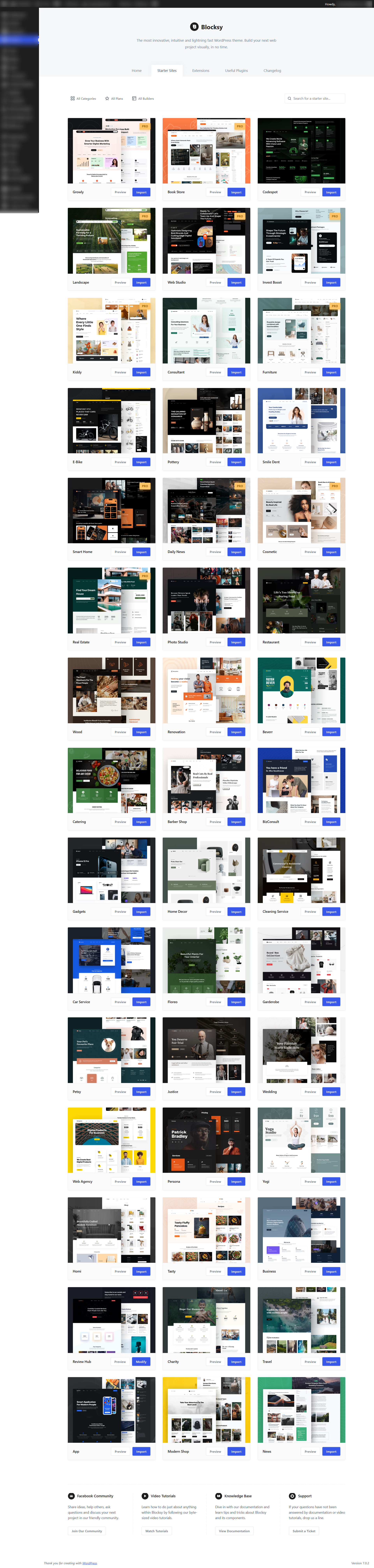
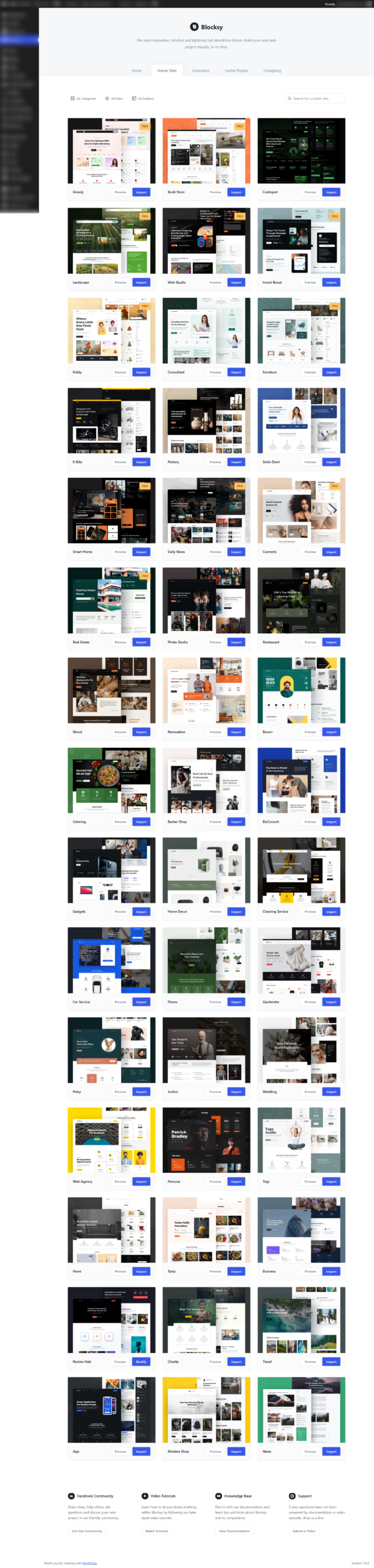
Blocksy’s starter site library spans blog, business, ecommerce, news, nonprofit, personal, portfolio and travel categories, with new templates added regularly, recent additions include niche-specific designs for bookstores, dental practices, and software agencies. Most are built for both Gutenberg and Elementor, some for Bricks too, and a meaningful share are free, not every design requires Pro. One-click import gets a full demo site, images, sample content and all, onto a fresh install in minutes, which is the fastest honest way to see whether a design actually fits before spending real time customizing it.
WooCommerce features
This is where Blocksy stops feeling like a general-purpose theme with WooCommerce support bolted on. Built-in features include product filters (category, attribute, or price, inline or off-canvas), variation swatches instead of plain dropdowns, a product wishlist, quick view modals, advanced reviews with photo uploads and voting, a size guide, and side-by-side product comparison. On the conversion side there’s stock scarcity messaging, a free-shipping progress bar, a countdown timer for sales, and product brands with their own archive pages. All of it loads through what Creative Themes calls smart asset loading, only the CSS and JS a given page’s active WooCommerce features actually need, rather than the full plugin’s assets on every page regardless of whether they’re used.
Blocksy vs Astra, Kadence, and GeneratePress
Entry-tier list price only, all four scale up sharply with more sites or more features, see the table below for the full picture.
| Theme | Entry annual | Top annual | Lifetime available | Free version |
|---|---|---|---|---|
| Blocksy | $69 (1 site) | $149 (unlimited) | Yes, all tiers | Full-featured |
| Astra | $69 (Pro) | $159 (Business Toolkit) | Yes, $319-$699 | Full-featured |
| Kadence | $69 (3 sites) | $299-399 (25-1,000 sites) | Yes, $899-999 | Full-featured |
| GeneratePress | $59 (500 sites) | $149 (full bundle) | No, annual only | Full-featured |
Competitor prices cross-checked across several sources in July 2026, not fetched directly from each vendor the way Blocksy’s own figures were, confirm current pricing before buying. GeneratePress’s single $59 tier covering 500 sites is a genuinely different pricing philosophy from the other three’s per-tier site limits.
We also looked at the Newspaper theme by tagDiv, worth naming since it’s one of the best-selling WordPress themes overall, but it’s not really a fair comparison here: Newspaper is purpose-built for news and magazine publishing with its own page-builder plugin, sold as a one-time ThemeForest purchase (around $59) rather than a general-purpose theme with an annual model. If you’re specifically building a news site, it’s worth its own look; for everything else Blocksy, Astra, Kadence, and GeneratePress actually compete on the same ground.
Which theme actually fits
Choose Blocksy if you want a genuinely complete free version, native multi-page-builder support, and you’d rather pay once for lifetime access than renew annually forever.
Choose Astra if you’re building from one of its 200+ starter templates specifically, or you already use Spectra and want the bundled Essential/Business toolkits.
Choose Kadence if you want the Kadence Blocks page-builder plugin and theme working as one integrated system, and you’re comfortable with its higher per-site pricing at the mid tiers.
Choose GeneratePress if raw speed and a minimal footprint matter more to you than built-in design tooling, and the 500-site single license is genuinely useful (agencies, mainly).
Blocksy FAQ
Is Blocksy actually free, or is that just a trial?
Genuinely free, no time limit and no feature lock forcing an upgrade to keep using what you already built. Pro is additional capability on top, not a key that unlocks a crippled free version.
Does Blocksy work with Elementor and other page builders?
Yes. Native Gutenberg integration, plus compatibility with Elementor, Bricks, and Beaver Builder, so switching page builders later doesn’t mean switching themes too.
Is Blocksy good for a WooCommerce store?
Yes, this is one of its strongest areas: built-in filters, variation swatches, quick view, wishlist, product comparison, and conversion features like stock scarcity and a free-shipping bar, without needing a separate page-builder plugin for basic store layout.
Is the lifetime plan actually worth it over annual?
If you’re confident you’ll use Blocksy for more than about 3 years, lifetime is cheaper than renewing annually indefinitely (Personal: $199 lifetime vs $69/year, breaking even just under 3 years). It’s also simply one less recurring subscription to track.
How does Blocksy compare to Astra specifically?
Very closely matched on entry pricing and both offer genuinely complete free versions. The real difference shows up at the top tiers and in starter-site count, Astra currently offers more templates in raw number, Blocksy leans more on Pro-tier customization depth (header/footer builder, hooks system).
Verdict
We’re not reviewing this from the outside. Anupress.com runs on Blocksy’s free version today, and it’s handled everything this site needed without pushing us toward Pro out of frustration, that’s a genuinely rare thing for a “freemium” theme to pull off honestly. The paid tiers are competitively priced against Astra and Kadence at the entry level, though GeneratePress remains the cheapest way in if raw site-count value is what matters most to you. Our own plan is to move to Blocksy’s lifetime Business tier down the line, for the header/footer builder and white labeling specifically, not because the free version has let us down. If you want a theme that’s honestly complete for free and scales into real Pro depth when you’re ready to pay for it, this is a solid, currently-in-use recommendation, not a secondhand one.
All Blocksy pricing and features in this review were checked directly on creativethemes.com in July 2026. Competitor pricing was cross-checked across multiple sources the same month and can change, confirm current prices before buying. See how we review and our affiliate disclosure.
