By ANUPRESS Team · Last reviewed August 2026 · 8 min read
IPv4 subnetting explained simply comes down to one idea: the number after the slash, like /24, tells you how many addresses are in that block, and every subnet loses exactly 2 of them to overhead. A /24 has 256 total addresses and 254 usable ones. Learn that one relationship and the rest of subnetting is just looking up a table, not doing binary math in your head.
On this page
IPv4 subnetting explained: the one idea behind all of it
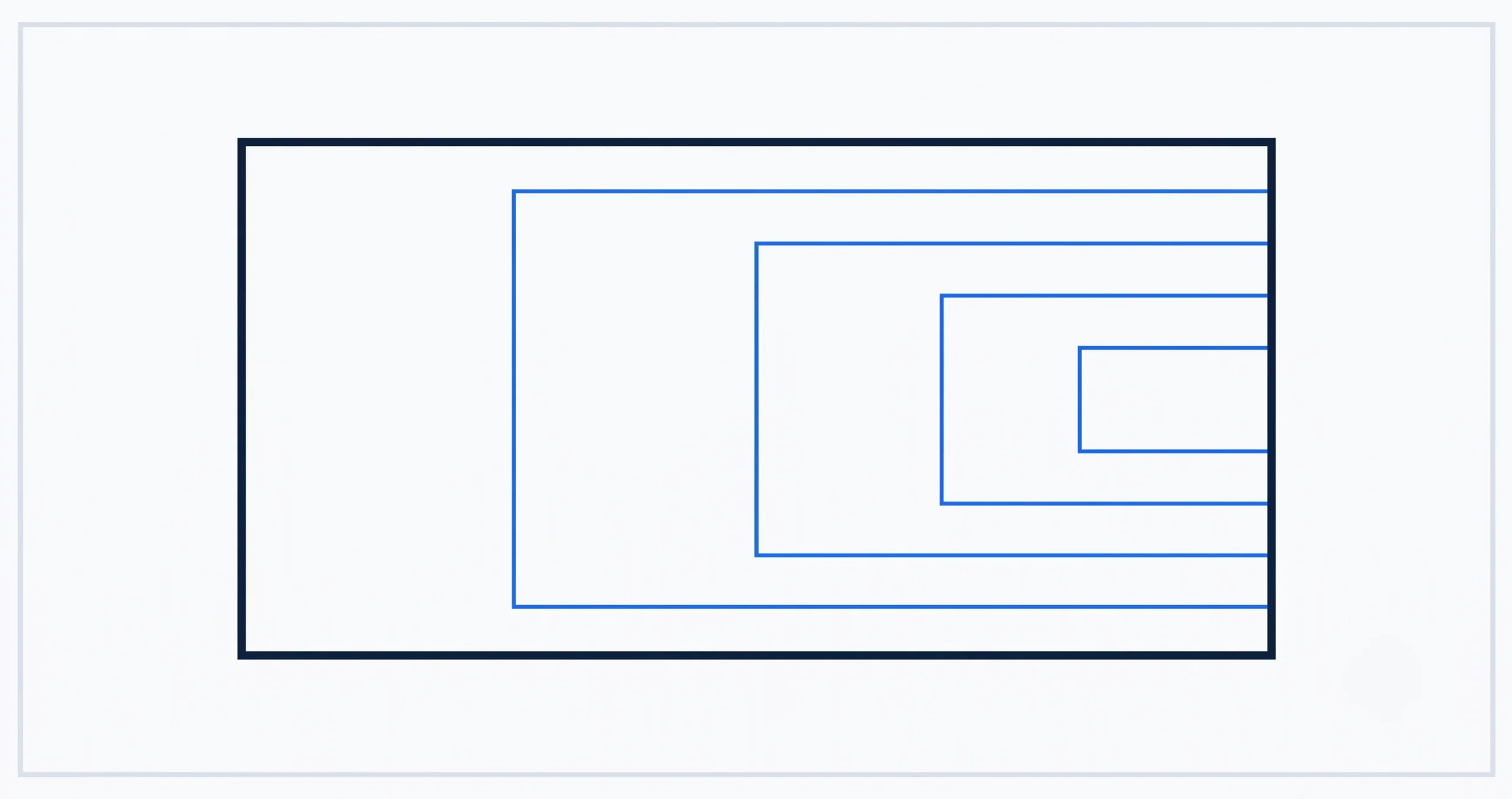
An IPv4 address is 32 bits, and a subnet mask splits those 32 bits into two parts: a network portion, shared by every device on that subnet, and a host portion, unique to each device. CIDR notation, the slash and number like /24, is just a shortcut for “this many bits are the network portion,” formally defined in RFC 4632, the official specification for classless addressing. The fewer bits left over for hosts, the fewer total addresses in the subnet, and the relationship is exact: each bit you add to the prefix cuts the subnet size exactly in half.
You don’t need to convert anything to binary to use this. You need one table.
The CIDR table you actually need
| CIDR | Subnet mask | Total addresses | Usable hosts |
|---|---|---|---|
| /24 | 255.255.255.0 | 256 | 254 |
| /25 | 255.255.255.128 | 128 | 126 |
| /26 | 255.255.255.192 | 64 | 62 |
| /27 | 255.255.255.224 | 32 | 30 |
| /28 | 255.255.255.240 | 16 | 14 |
| /29 | 255.255.255.248 | 8 | 6 |
| /30 | 255.255.255.252 | 4 | 2 |
Notice the pattern reading down: total addresses exactly halves at every step, 256, 128, 64, 32, 16, 8, 4. Usable hosts is always that number minus 2. Memorize this shape, not the specific numbers, and you can reconstruct any row of this table from just /24 = 256.
Two subnets, worked out fully
The network address is always the first address in the block, the broadcast address is always the last, and the usable range is everything in between. For the /26 example, the block runs from .0 to .63, a 64-address span exactly matching the table above, with .0 and .63 reserved and .1 through .62 available for actual devices.
Any IP, any prefix, instantly
Enter any IPv4 address and CIDR prefix or subnet mask to get the network address, broadcast address, usable range, binary breakdown, and IP class, all at once.
Open the IP subnet calculatorWhy every subnet loses exactly 2 addresses
Two addresses in every subnet, regardless of size, are permanently reserved and can never be assigned to a device. The network address, the very first one in the range, identifies the subnet itself, the way a street name identifies a street rather than any specific house on it. The broadcast address, the very last one, is a special destination that sends a single message to every device on that subnet simultaneously.
Neither can double as a real device’s address, which is why a /30, the smallest practically usable subnet, has 4 total addresses but only 2 usable ones, just enough for a point-to-point link between two devices.
Frequently asked questions
What does the number after the slash actually mean?
It’s the number of bits, out of the 32 in an IPv4 address, used for the network portion. A higher number means more bits are used for the network, leaving fewer for hosts, so the subnet is smaller. /24 means 24 network bits and 8 host bits, giving 256 total addresses.
Why is a /24 only 254 usable addresses, not 256?
Two addresses are reserved in every subnet: the network address (identifies the subnet) and the broadcast address (reaches every device on it at once). 256 total minus those 2 leaves 254 usable.
How do I know if two IPs are on the same subnet?
Apply the subnet mask to both addresses; if the network portion matches, they’re on the same subnet. Practically, this means checking whether both addresses fall within the same network-to-broadcast range from the CIDR table above.
What’s the smallest subnet you can actually use?
A /30, with 4 total addresses and 2 usable ones, commonly used for a direct link between exactly two devices, like two routers. A /31 exists as a special case for point-to-point links with no usable-host distinction at all, but it’s a networking-specific exception rather than something you’ll need day to day.
Does subnetting apply to IPv6 the same way?
The same core idea, network bits versus host bits, carries over, but IPv6 addresses are 128 bits instead of 32 and the practical numbers involved are vastly larger. This IPv4 subnetting explained guide covers IPv4 specifically, where the small, memorable numbers make the pattern easy to see.
For the rest of your site’s technical setup, see the complete developer tools guide. Last reviewed August 2026. See how we review and our affiliate disclosure.